

Understanding SEO for WordPress
Importance of SEO for WordPress Websites
When it comes to creating a successful WordPress website, the significance of SEO (Search Engine Optimization) cannot be overstated. It acts as the backbone of online visibility, ensuring that your content reaches the right audience. In fact, studies show that around 75% of users never scroll past the first page of search results. This highlights the need for effective SEO strategies to help your site rank higher in search engines.
To illustrate, a small personal blog that I once managed saw a dramatic increase in traffic after implementing basic SEO practices. By optimizing keywords and improving site structure, I transitioned from barely being noticed to ranking in the top five search results for my target topics.
Key reasons why SEO is crucial for WordPress sites include:
- Increased Organic Traffic: Optimized websites attract more visitors without the need for paid advertising.
- Enhanced User Experience: SEO prioritizes site speed and mobile responsiveness, leading to better overall user interaction.
- Credibility and Trust: High-ranking sites are often perceived as more credible by users, improving brand trust.
Basics of Search Engine Optimization
Understanding the fundamentals of SEO is essential for any WordPress user. At its core, SEO revolves around three main components:
- On-page SEO: Involves optimizing individual pages to rank higher and earn relevant traffic. This includes keyword usage, content quality, and HTML tags.
- Off-page SEO: Relates to activities you can do outside your website, such as link building and social media engagement, to improve your site’s authority.
- Technical SEO: Focuses on site performance, such as optimizing loading speed, mobile-friendliness, and ensuring a logical site structure.
By grasping these basics, WordPress users can effectively start their SEO journey, paving the way for increased visibility and engagement.
Optimizing Website Structure
Choosing an SEO-friendly WordPress Theme
Once you’ve grasped the essentials of SEO, the next step is to optimize your website structure. One of the most impactful choices you can make is selecting an SEO-friendly WordPress theme. An effective theme not only enhances your site’s appearance but also influences your SEO performance.
For instance, when I launched my first e-commerce site, I chose a theme that was cluttered and slow to load. The result? My bounce rate skyrocketed. After switching to a clean, responsive theme designed for speed and usability, my pageviews soared, and sales increased significantly.
When looking for an SEO-friendly theme, consider these factors:
- Responsive Design: Ensures your site looks great on all devices.
- Fast Loading Times: Critical for user experience and search rankings.
- Schema Markup: Helps search engines understand your site content better.
- SEO Features: Built-in options such as customizable title tags and meta descriptions.
Creating an XML Sitemap for Better Indexing
After selecting your theme, another crucial step is creating an XML sitemap. This file serves as a roadmap for search engines, guiding them through your website’s content and making indexing more efficient.
Here’s how to create an XML sitemap:
- Use SEO Plugins: Many popular plugins, such as Yoast SEO or Google XML Sitemaps, can generate a sitemap automatically.
- Submit to Search Engines: Once created, submit your sitemap to Google Search Console and Bing Webmaster Tools to ensure your site is indexed promptly.
- Regular Updates: As you add content, your sitemap should be updated automatically or manually to reflect these changes.
By taking these steps to optimize your website structure, you position your WordPress site for better search engine visibility and enhanced user experience.

Keyword Research and Implementation
Conducting Keyword Research for WordPress Content
As you continue to enhance your WordPress site, the next pivotal step is conducting thorough keyword research. This process is foundational to creating content that actually resonates with your target audience and aligns with what they’re searching for.
A personal experience taught me the value of this step when I published an article without using proper keyword research. It quickly fizzled out, never gaining traction. However, after incorporating tools like Google Keyword Planner and Ubersuggest, I uncovered valuable keywords that attracted the right readers. Here’s how you can do it:
- Brainstorm Seed Keywords: Start with broad topics related to your niche that you’re passionate about.
- Use Keyword Tools: Utilize platforms like Ahrefs and SEMrush to find search volumes and keyword difficulty.
- Analyze Competitors: Look at the keywords your competitors rank for. This can give you insights into potential content opportunities.
Strategically Placing Keywords in Titles and Meta Descriptions
Once you have your keywords, the next step is strategically placing them in key areas of your posts. Titles and meta descriptions are two vital places where keywords can significantly impact your SEO.
- Titles: Ensure that your primary keyword appears at the beginning of your title, as it holds more weight with search engines.
- Meta Descriptions: Craft engaging meta descriptions that include your main keywords while enticing users to click. Keep them under 160 characters for the best display in search results.
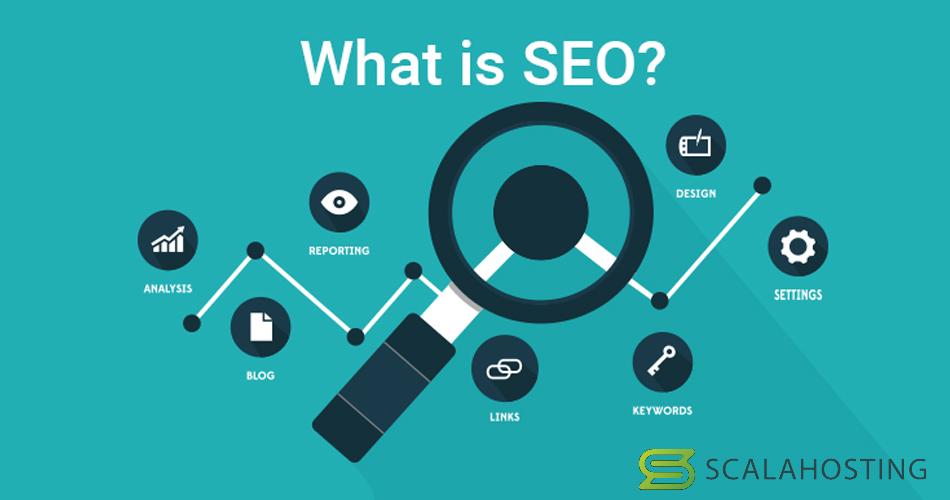
By efficiently conducting keyword research and implementing keywords thoughtfully, you’ll enhance your chances of ranking higher in search results, attracting more relevant traffic to your WordPress site. This step is not just a one-off task but a continual process that expands and evolves with your content strategy.
Content Optimization Techniques
Writing High-Quality and Engaging Content
With your keywords in place, the next crucial factor in improving your WordPress site’s SEO is writing high-quality and engaging content. Quality content not only appeals to search engines but also captivates your audience.
I learned this firsthand when I started a blog about travel tips. Initially, I focused on keyword density, but I soon realized that what truly kept readers returning was the depth of my content. Here are some practical tips for creating engaging content:
- Know Your Audience: Understand who you are writing for and what they seek.
- Use Storytelling: Incorporate personal anecdotes or stories to make your content relatable and enjoyable.
- Break Up Text: Use headings, bullet points, and lists to make the content skimmable and easy to read.
By following these techniques, you create an inviting reading experience that appeals to both users and search engines.
Optimizing Images and Multimedia for SEO
The visual elements in your content also play a significant role in optimization. Properly optimized images and multimedia can enhance user engagement and boost your SEO performance.
Here’s how to ensure your images are optimized for SEO:
- File Naming: Use descriptive file names that include relevant keywords.
- Alt Text: Implement alt text for each image to describe what it portrays; this helps search engines understand your content context.
- Compress Images: Use tools like TinyPNG or Smush to compress images without losing quality, improving loading speeds.
Incorporating engaging content with well-optimized images and multimedia not only enhances the overall user experience but also positively impacts search rankings. With these strategies, you’re well on your way to creating compelling and search-friendly content for your WordPress site.
Utilizing Plugins for SEO
Best SEO Plugins for WordPress
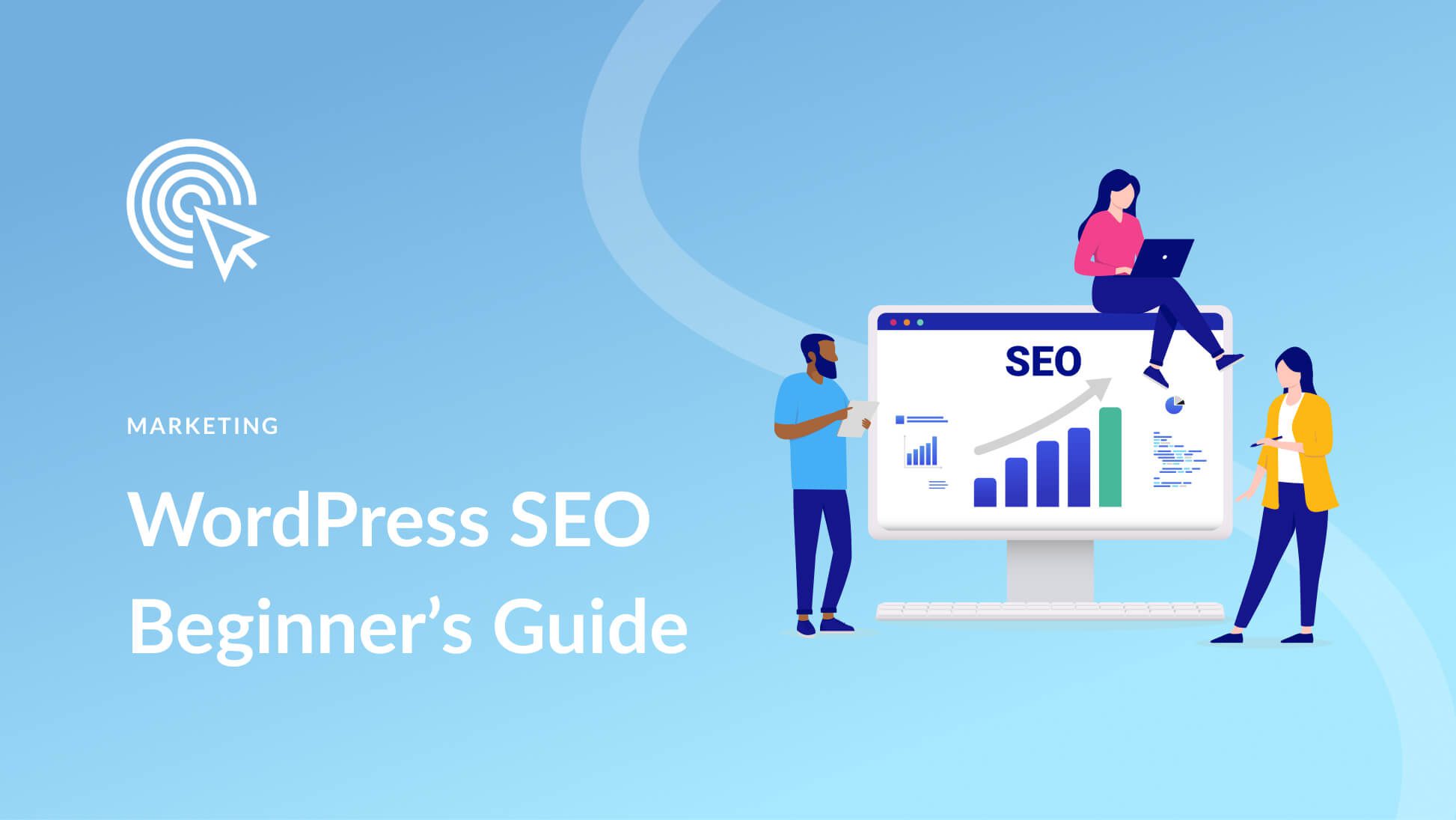
As you dive deeper into optimizing your WordPress site, plugins can be invaluable allies in enhancing your SEO efforts. They simplify complex processes and provide tools to help you implement best practices with ease.
From my own experience, the right plugins can make a world of difference. Initially, I struggled with manually optimizing every post until I discovered a few key plugins. Here are some of the best SEO plugins that can elevate your WordPress site:
- Yoast SEO: This powerful plugin offers comprehensive features, including content analysis, XML sitemaps, and readability checks.
- All in One SEO Pack: A great alternative to Yoast, it offers similar features with a user-friendly setup.
- Rank Math: Known for its robust functionality, this plugin integrates well with Google Schema and provides advanced keyword analysis.
- SEMrush SEO Writing Assistant: This plugin helps in optimizing your content as you write, based on SEO best practices.
Configuring Yoast SEO for Optimal Performance
Now that you have insights on some great plugins, let’s look closer at using Yoast SEO for optimal performance. After installing, configuration is key to unlocking its full potential.
Here’s how to set it up effectively:
- General Settings: Start by running the configuration wizard that helps you tailor settings based on your site type.
- Content Optimization: Utilize the readability and SEO analysis tools for every post. Yoast provides real-time suggestions to improve your content.
- Meta Tags: In the ‘Search Appearance’ settings, customize the meta titles and descriptions for your homepage, posts, and categories.
- XML Sitemaps: Ensure that your sitemap is enabled; it allows search engines to index your site easily.
Through effective use of plugins like Yoast SEO, you streamline your optimization process, making it more efficient and significant. With these tools at your disposal, your WordPress site can achieve better visibility and enhanced search rankings.
Mobile Responsiveness and Site Speed
Importance of Mobile-Friendly Design for SEO
As you continue to enhance your WordPress site’s SEO, one critical aspect that cannot be overlooked is mobile responsiveness. In today’s digital age, a significant portion of web traffic comes from mobile devices. In fact, studies reveal that over 50% of users browse the internet on their smartphones. This trend underscores the vital need for a mobile-friendly design.
I had a firsthand experience with this when my site’s mobile traffic significantly dropped due to a non-responsive theme. After switching to a mobile-friendly design, not only did my traffic recover, but my overall engagement also improved as users found it easier to navigate.
Here are a few reasons why a mobile-friendly design is essential for SEO:
- Better User Experience: A responsive site ensures that content is easily readable without excessive zooming or scrolling.
- Lower Bounce Rates: Visitors are more likely to stay on a well-optimized mobile site, reducing bounce rates—an important factor in SEO rankings.
- Preferred by Search Engines: Google prioritizes mobile-friendly sites in its search results, meaning your site is more likely to rank higher.
Ways to Improve Site Speed for Better Rankings
Alongside mobile responsiveness, site speed is another crucial element for optimizing your WordPress site. A slow loading time can frustrate users and lead to increased bounce rates, negatively impacting your SEO.
Here are several actionable ways to improve your site speed:
- Optimize Images: Compress and resize images before uploading them to your site, reducing their load impact.
- Minify CSS, JavaScript, and HTML: Use plugins like Autoptimize or WP Rocket to condense and combine files, enhancing loading times.
- Leverage Browser Caching: Set caching plugins, such as W3 Total Cache, to store commonly accessed files, speeding up load times for returning visitors.
- Choose a Reliable Hosting Provider: Selecting a quality hosting service can drastically affect your site’s speed.
By focusing on mobile responsiveness and site speed, you create a seamless experience for visitors and improve your chances of climbing the search rankings. These strategies not only enhance user satisfaction but also contribute positively to your overall SEO efforts.
Link Building Strategies
Building Quality Backlinks for WordPress Websites
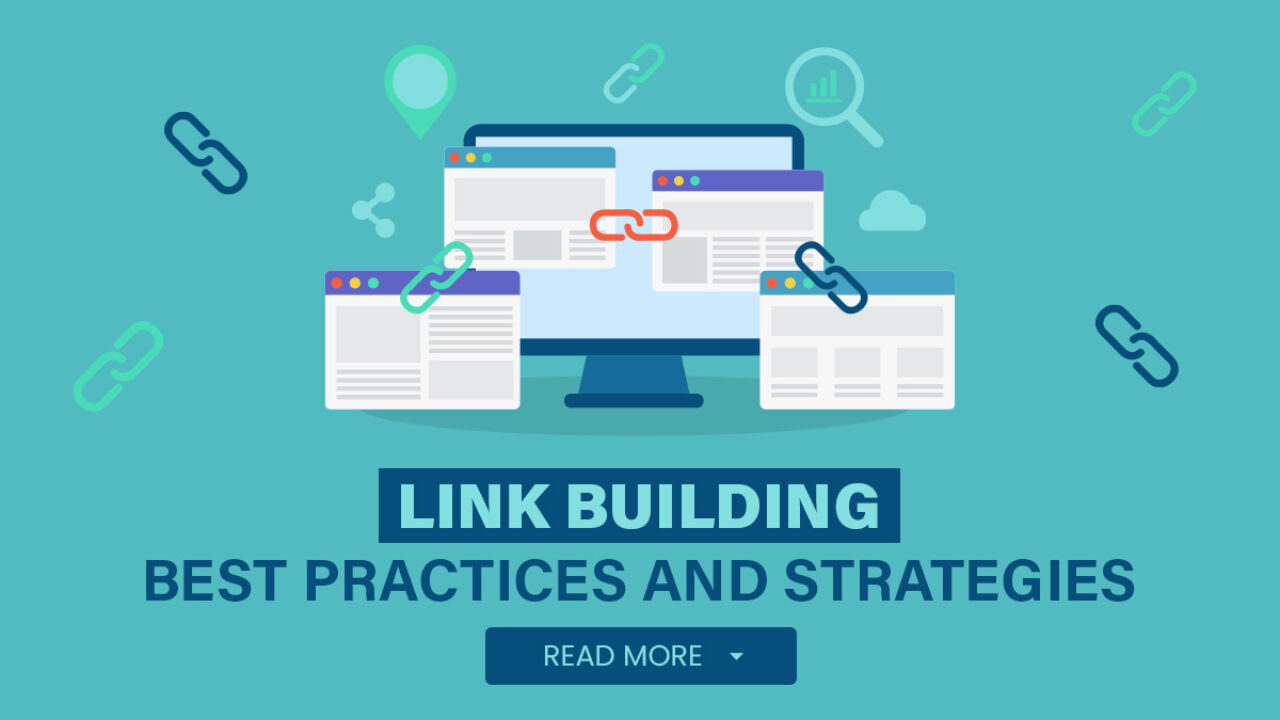
As you refine your WordPress site’s SEO approach, link building emerges as a key strategy. Quality backlinks not only improve your site’s authority but also drive targeted traffic. Having an impressive number of reputable sites linking to your content is a strong signal to search engines that your site is trustworthy.
Reflecting on my own journey, I remember when my site flourished after focusing on building backlinks. Initially, I targeted low-quality directories, but once I shifted to genuine partnerships with other bloggers and influencers in my niche, I noticed a significant surge in both traffic and credibility.
To build quality backlinks, consider these strategies:
- Guest Blogging: Reach out to blogs in your niche and offer to write informative articles in exchange for a backlink.
- Resource Pages and Directories: Identify websites that curate resource lists and request inclusion if your content adds value.
- Create Shareable Content: Producing high-quality infographics, guides, or studies makes it more likely that others will link back to your content.
Internal Linking Techniques for SEO Optimization
While external backlinks are important, do not underestimate the power of internal linking. Effective internal linking not only enhances user navigation but also helps distribute page authority throughout your site.
Here are some effective internal linking techniques:
- Contextual Links: Include links within your content that connect users to related articles or services. This encourages deeper engagement with your site.
- Use Descriptive Anchor Text: Instead of generic phrases like “click here,” use keyword-rich phrases that describe the linked page’s content.
- Create a Link Structure: Develop a clear hierarchy for your site, making it easier for search engines to crawl and index your pages.
By integrating strong backlink building strategies and effective internal linking techniques, you will elevate your WordPress site’s SEO performance. These tactics will foster user engagement while signaling to search engines that your content is both relevant and valuable.
Analyzing and Monitoring SEO Performance
Using Google Analytics to Track SEO Metrics
As you invest time in optimizing your WordPress site, it becomes crucial to analyze and monitor your SEO performance. One of the most powerful tools at your disposal is Google Analytics. This platform provides a wealth of information about your website’s traffic and user behavior, enabling you to make informed decisions.
When I first started using Google Analytics, I was overwhelmed by the volume of data. However, focusing on specific SEO metrics like organic traffic, bounce rate, and average session duration helped me easily identify what’s working and what’s not.
Here are key metrics to track in Google Analytics:
- Organic Traffic: Monitor the amount of traffic coming from search engines to gauge the effectiveness of your SEO efforts.
- Bounce Rate: A high bounce rate may indicate that your content isn’t engaging enough or that visitors aren’t finding what they expect.
- Average Session Duration: Longer sessions suggest your content resonates with users, positively impacting your rankings.
Monitoring Keyword Rankings and Organic Traffic Fluctuations
In addition to Google Analytics, keeping a close eye on keyword rankings and organic traffic fluctuations is essential. Tools like Google Search Console and SEMrush can provide insights into how well your target keywords are performing.
Start by regularly checking:
- Keyword Rankings: Determine which keywords are driving the most traffic and adjust your strategy accordingly. This can help you focus on optimizing existing content or creating new articles around high-potential keywords.
- Traffic Changes: Pay attention to any significant fluctuations in organic traffic, as they may indicate changes in search engine algorithms or shifts in user behavior.
By analyzing these metrics and monitoring keyword performance, you empower your SEO strategy with data-driven insights. This ongoing evaluation allows you to fine-tune your efforts, ensuring sustained growth and improved rankings for your WordPress site.
Local SEO for WordPress
Optimizing WordPress Websites for Local Searches
With a firm handle on general SEO techniques, the next vital aspect to consider is local SEO—especially if your business caters to a specific geographic area. Optimizing your WordPress website for local searches can significantly enhance your visibility among potential customers in your area.
During my journey to attract more local clients for my service-based business, I learned that simple adjustments could lead to remarkable results. Here’s how you can optimize your site locally:
- Include Location-Specific Keywords: Incorporate names of cities, neighborhoods, or regional terms in your content, titles, and headings.
- Set Up Local Schema Markup: This code helps search engines deliver relevant information about your business (like location and hours) directly in search results.
- Create Location Pages: If you have multiple locations, dedicate landing pages for each, with localized content and keywords.
Creating and Managing Google My Business Listing
Another vital component of local SEO is setting up and managing your Google My Business (GMB) listing. This free tool increases your chances of being discovered by local customers when they search for terms related to your services.
Here’s how to get started:
- Claim Your Listing: Visit the Google My Business website and follow the instructions to claim your business.
- Complete Your Profile: Fill out essential details such as your business name, address, phone number, and website. Ensure this information is consistent across all platforms.
- Add Photos and Posts: Regularly update your GMB profile with engaging images and posts about special offers or events.
By optimizing your WordPress website for local searches and effectively managing your Google My Business listing, you increase your chances of attracting local customers. This dual approach not only enhances visibility but also fosters trust within your community, ultimately driving foot traffic and conversions.