
Introduction
Overview of On-Page SEO
On-Page SEO refers to all the optimizations that can be made directly within a webpage to improve its position in search rankings. Unlike Off-Page SEO, which revolves around external factors like backlinks, On-Page focuses more on content quality, internal linking, and HTML tags.
For instance, when Jane revamped her blog on digital marketing, she worked on her website’s titles, descriptions, and headers, leading to a significant increase in her search visibility.
Benefits of Implementing On-Page SEO
Implementing On-Page SEO can be transformative for a website’s performance. The primary benefits include:
- Higher Search Rankings : Well-optimized pages are more likely to appear on the first page of search results.
- Increased Organic Traffic : More visibility often leads to more visitors, enhancing user engagement.
- Improved User Experience: Quality content and easy navigation keep users on the site longer.
- Enhanced Brand Credibility : Appearing professionally through optimized content boosts user trust.
Overall, investing time in On-Page SEO not only enhances search performance but also creates a better experience for users navigating your content.

Keyword Research
Importance of Keywords
Keywords are the foundation of successful On-Page SEO. They are the specific terms and phrases that your potential audience uses to search for information online.
Imagine Tom, who runs a fitness blog. Initially, he wrote about “exercise tips” without considering what potential readers were actually searching for. After conducting keyword research, he discovered that “best workout plans for beginners” was a highly searched term. By optimizing his content around this keyword, Tom attracted far more visitors to his blog.
Keyword Selection Strategies
Choosing the right keywords requires thoughtful strategies. Here are some effective approaches:
- Long-Tail Keywords : Focus on longer, more specific phrases. For example, instead of targeting “baking,” consider “easy chocolate chip cookie recipes.”
- Competitor Analysis : Examine what keywords competitors are ranking for. Tools like Ahrefs or SEMrush can provide insights into their keyword strategies.
- Search Intent Understanding : Align keywords with the search intent of users. Are they looking for information, making a purchase, or seeking a service?
By implementing these strategies, content creators can effectively drive organic traffic and engage their target audience more successfully.
Content Optimization
Crafting High-Quality Content
Creating high-quality content is essential for capturing and retaining audience attention. Good content not only informs but also engages and persuades. Take Sarah, for example, a passionate food blogger who always focused on delivering value through her recipes. By incorporating detailed instructions, vivid descriptions, and personal anecdotes about her cooking experiences, her blog quickly became a go-to resource for home chefs.
To craft high-quality content, consider these aspects:
- Audience Understanding : Know your audience’s preferences and pain points to address them effectively.
- Originality : Create unique content that stands out in a sea of information.
- Readability : Use short paragraphs and bullet points to enhance skimming ability.
Optimizing Meta Titles and Descriptions
Meta titles and descriptions play a crucial role in attracting clicks from search engine results. They serve as a quick preview of your content, so they must be engaging.
Here’s how to optimize them effectively:
- Include Target Keywords : Make sure your primary keyword is present in both the title and description.
- Keep it Concise : Aim for 50-60 characters for titles and 150-160 characters for descriptions to avoid truncation in search results.
- Call to Action : Use action-oriented language to encourage clicks, such as “Discover,” “Learn,” or “Get Started.”
By focusing on crafting high-quality content and optimizing meta elements, bloggers can significantly enhance their visibility and engagement.

User Experience and Page Speed
Importance of User Experience
User experience (UX) is vital for keeping visitors engaged and encouraging them to stick around. A website that is easy to navigate, visually appealing, and informative can significantly impact user satisfaction.
For instance, when Alex launched his online store, he initially overlooked UX elements. His cluttered layout deterred potential customers. After simplifying the navigation and organizing products categorically, Alex noticed a marked increase in time spent on his site and a drop in bounce rates.
Key factors contributing to a positive user experience include:
- Intuitive Navigation : Ensure users can easily find what they need.
- Responsive Design : Make your site accessible on all devices, from desktops to smartphones.
- Engaging Content : Provide useful, relevant content that keeps users on the page longer.
Enhancing Page Speed for SEO
Another critical element tied to user experience is page speed. A slow-loading website can frustrate users and drive them away. In fact, studies show that a one-second delay can lead to a 7% reduction in conversions.
To optimize page speed, consider these strategies:
- Image Optimization : Compress images without losing quality to reduce load times.
- Minimize Redirects : Each redirect creates additional HTTP requests, slowing down the site.
- Utilize Browser Caching : Encourage browsers to store frequently accessed data for faster retrieval.
By prioritizing user experience and enhancing page speed, website owners can create a more enjoyable browsing experience that positively impacts SEO.
Mobile Optimization
Mobile Responsiveness
In today’s digital landscape, mobile responsiveness is no longer an option but a necessity. With a substantial percentage of web traffic coming from mobile devices, it’s crucial that websites adapt seamlessly to different screen sizes.
Take Lisa’s travel blog, for example. Initially, she found that many of her users were struggling to read her posts on their phones because the text was too small and images overlapped. After redesigning her site to ensure mobile responsiveness, she noticed an increase in mobile engagement and interaction.
To achieve mobile responsiveness, focus on:
- Flexible Grid Layouts : Use responsive grid systems that adjust based on device size.
- Readable Font Sizes : Ensure that text is large enough for easy reading on small screens.
- Touch-Friendly Navigation : Design buttons that are easy to tap without zooming in.
Mobile-Friendly Content
Similar to responsive designs, creating mobile-friendly content is essential for maintaining user engagement. Shorter paragraphs, bullet points, and concise language can greatly enhance readability on mobile devices.
Here are some tips for crafting mobile-friendly content:
- Use Visuals Wisely : Incorporate images and videos that complement your text without overwhelming the user.
- Prioritize Important Information : Place key messages at the top of the page for quick access.
- Engage with Interactive Elements : Incorporate quizzes or polls that are easily navigable on mobile.
By focusing on mobile responsiveness and creating mobile-friendly content, website owners can significantly enhance user experiences and ensure they cater effectively to their audience’s needs.

On-Page SEO Elements
Heading Structure Optimization
A well-organized heading structure is vital for both readability and SEO. Headings, especially H1, H2, and H3 tags, not only break up the text but also help search engines understand the content hierarchy.
Take Mike, a tech blogger, as an example. Initially, his posts lacked proper headings, making it hard for readers to skim through the content. After implementing a clear heading structure, with H1 for the title and H2 for major sections, Mike noticed that readers engaged more with his articles and spent additional time on the page.
To optimize your heading structure, consider the following tips:
- Use H1 Only Once : Reserve the H1 tag for your main title.
- Logical Hierarchy : Ensure H2 tags support the H1, while H3 tags dive deeper into H2 sections.
- Include Keywords : Naturally incorporate your primary keywords in headings to enhance SEO.
Image Optimization Techniques
Images play a significant role in user engagement, but they need to be optimized properly to avoid hindering page speed. Effective image optimization enhances both user experience and search rankings.
Here are some effective techniques:
- File Format Selection : Use appropriate formats like JPEG for photos and PNG for graphics lossy compression to reduce file size.
- Descriptive Alt Text : Include alt text with relevant keywords to describe images, aiding accessibility and SEO.
- Responsive Images : Use responsive design techniques so that images adapt to various screen sizes without losing quality.
By focusing on heading structure optimization and employing effective image optimization techniques, website owners can significantly enhance their On-Page SEO efforts, ultimately leading to better visibility and user engagement.

Internal Linking and Site Structure
Importance of Internal Links
Internal links are often underrated but play a crucial role in enhancing user navigation and signaling to search engines how content is interconnected. By linking related articles or resources, website owners can guide readers deeper into their site, improving engagement and reducing bounce rates.
Consider Emma, a lifestyle blogger who began linking her articles on similar topics within her posts. For instance, when she wrote about healthy breakfast ideas, she linked to another post about meal prep tips. This strategy not only kept readers on her site longer but also improved the visibility of her new content in search engines.
Key benefits of internal linking include:
- Improved User Experience : Helping users find related information easily.
- SEO Benefits : Distributing page authority across your site.
- Content Context : Enhancing the understanding of content relationships for search engines.
Organizing Site Structure for SEO
A well-organized site structure is foundational for effective On-Page SEO and boosts overall usability.
To optimize your site structure for SEO, consider these strategies:
- Logical Hierarchy : Organize content into categories and subcategories for easy navigation.
- URL Structure : Use clean URLs that reflect the site hierarchy, e.g., www.example.com/category/subcategory.
- Sitemap Creation : Provide a sitemap to guide search engines and users in navigating your site.
By focusing on internal linking and structuring your site effectively, you can enhance user experience while solidifying your SEO strategy for greater visibility and engagement.
Schema Markup Implementation
Understanding Schema Markup
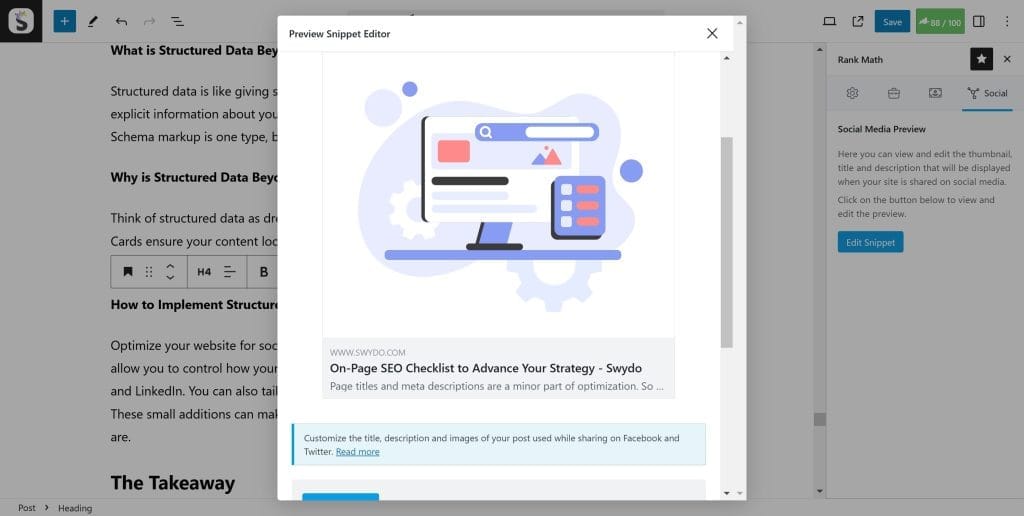
Schema markup is a powerful tool that helps search engines understand the context of your content more effectively. Essentially, it’s a set of standardized tags that can be added to your HTML, providing additional details about the information on your web pages.
Think of Jamie, who runs an online bookstore. After implementing schema markup, her book listings began to display rich snippets, which included stars for reviews, price ranges, and availability. This additional information stood out in search results, attracting more clicks.
To get started with schema markup, you can use various types of schemas, such as:
- Article : For blog posts and articles.
- Product : To provide detailed product information.
- Recipe : Perfect for food blogs to showcase ingredients and cooking times.
Benefits of Schema Markup for SEO
Integrating schema markup into your site offers several SEO benefits, making it a worthwhile addition to your optimization strategy:
- Enhanced Visibility : Rich snippets make your content more eye-catching in search results.
- Potential for Higher Click-Through Rates (CTR) : With engaging snippets, users are more likely to click on your links.
- Better Targeting : Schema helps search engines serve your content to a more relevant audience.
By understanding and implementing schema markup effectively, website owners can significantly improve their SEO efforts and user engagement, ultimately boosting their site’s performance in search results.

Content Audit and Updates
Conducting Content Audits
A content audit is an essential process that helps you assess the effectiveness of your existing content. This evaluation can reveal which posts are performing well, which need improvement, and which can be retired.
Consider Nathan, a digital marketing consultant, who conducted an audit of his blog. He discovered that several evergreen posts were outdated, leading to a decline in engagements. With this insight, Nathan was able to prioritize rejuvenating key articles, ensuring they provided accurate and current information.
To conduct an effective content audit, follow these steps:
- Inventory Your Content : Create a list of all existing content, including URLs and key metrics like views and bounce rates.
- Analyze Performance : Identify underperforming content to explore why it may not be resonating with your audience.
- Categorize Your Content : Group articles based on types, such as high engagement, low-performing, or outdated.
Regular Content Updates for SEO
Keeping your content fresh is vital for maintaining relevance and boosting SEO performance. Regular updates signal to search engines that your content is current, leading to improved rankings.
Here are some strategies for systematically updating content:
- Refresh Statistics and Data : Ensure any statistics mentioned are recent and relevant.
- Add New Insights : Incorporate the latest industry trends or case studies.
- Optimize for Keywords : Reassess your keyword strategy to include any new or trending terms.
By conducting regular content audits and updates, website owners can ensure their site remains relevant and valuable, ultimately enhancing user experience and SEO performance.
Tracking and Monitoring
Setting Up Tracking Tools
To truly understand your website’s performance, setting up tracking tools is essential. These tools can provide invaluable insights into visitor behavior, traffic sources, and much more.
Take Sarah, who runs a travel blog. Initially, she was overwhelmed by the data but decided to implement Google Analytics and Google Search Console. With these tools, she could track user engagement, identify high-traffic sources, and monitor page performance.
Here are a few key tools you should consider integrating:
- Google Analytics : Essential for tracking user activity and understanding how visitors interact with your content.
- Google Search Console : Provides insights into search performance, indexing issues, and user queries that lead to your site.
- Heatmap Tools : Such as Hotjar, which visually shows how visitors interact with your website.
Analyzing SEO Performance Metrics
Once you have the tracking tools in place, the next step is analyzing the data collected and extracting actionable insights.
For example, after analyzing her metrics, Sarah discovered that her readers spent more time on posts about travel tips than destination guides. This finding prompted her to create more content in the areas that resonated with her audience.
Here are some vital SEO performance metrics to monitor:
- Organic Traffic : Track changes in visitors arriving from search engines.
- Bounce Rate : Identify pages where users leave quickly and need improvement.
- Average Session Duration : Evaluate how long users are engaging with your content.
By setting up robust tracking tools and consistently analyzing SEO performance metrics, website owners can make informed decisions to enhance their strategy and ultimately improve search rankings.
Conclusion
Recap of On-Page SEO Checklist
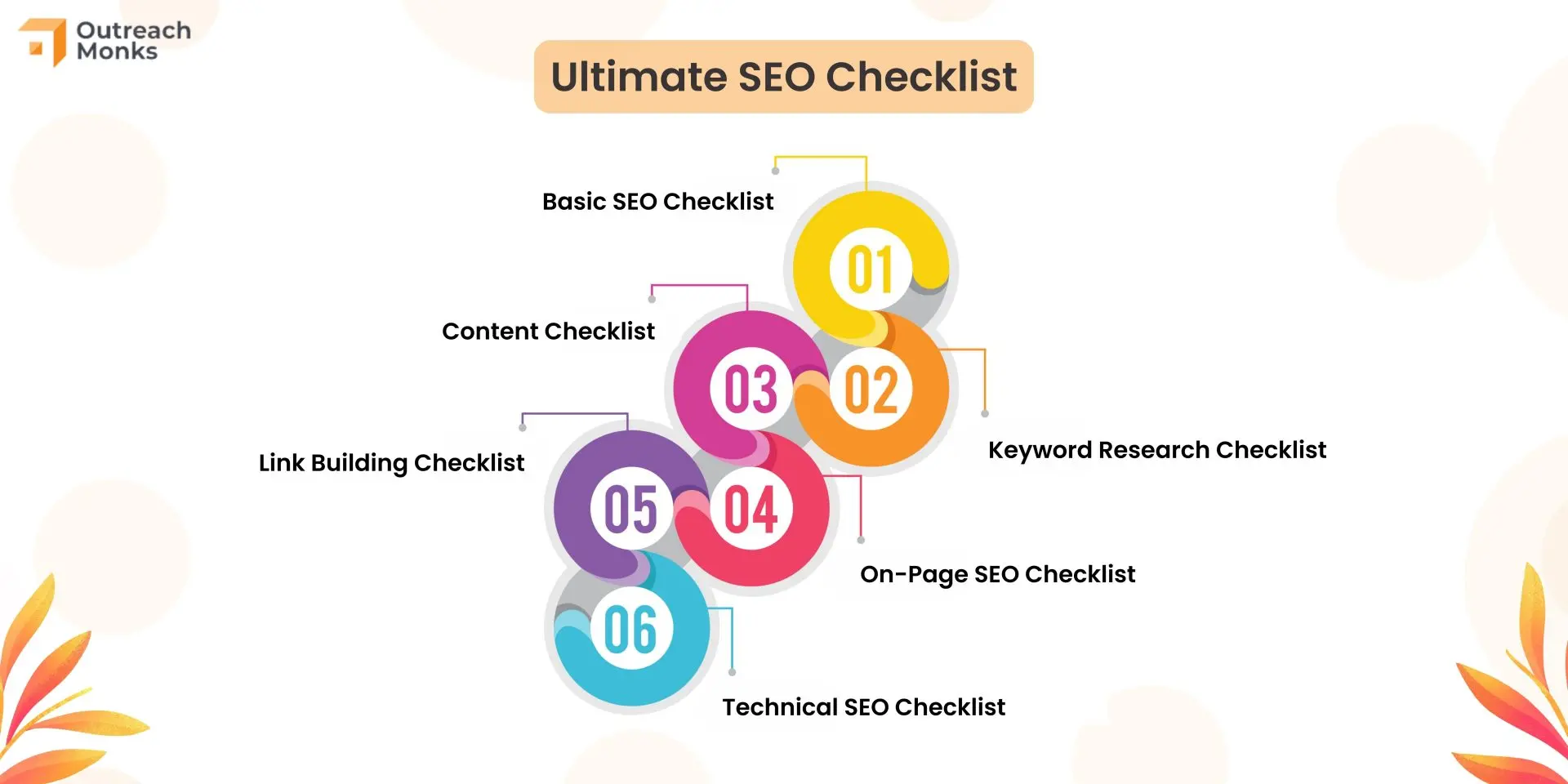
As we wrap up our discussion on On-Page SEO, let’s summarize the key elements that contribute to a successful optimization strategy. By following a comprehensive checklist, you can effectively enhance your site’s visibility and user experience:
- Keyword Research : Identify relevant keywords and phrases that your audience is searching for.
- Content Optimization : Create high-quality content that answers user queries and provides value.
- Heading Structure : Use optimized headings to improve readability and context.
- Image Optimization : Ensure images are appropriately tagged and sized for fast loading.
- Internal Linking : Connect related content to improve navigation and authority.
- Mobile Optimization : Ensure your site is responsive and mobile-friendly.
- Schema Markup : Implement structured data for enhanced search engine understanding.
Final Recommendations
As a final note, always stay updated with the latest SEO trends and algorithm changes. Regularly conduct content audits to keep your information current and relevant.
Remember to leverage tools like Google Analytics and Search Console to monitor performance continually. Engaging with your audience through fresh and relevant content builds trust and drives traffic.
By making On-Page SEO a priority, you’re not just improving your rankings but also creating a more satisfying user experience. Happy optimizing!